
The job status can be updated thru LinkHaul platform if your driver is unable to do on the mobile app (mobile app update to be covered under Driver App separately).
Once the job activity started, you should update the status of the job by clicking the 'Update button'  .
.
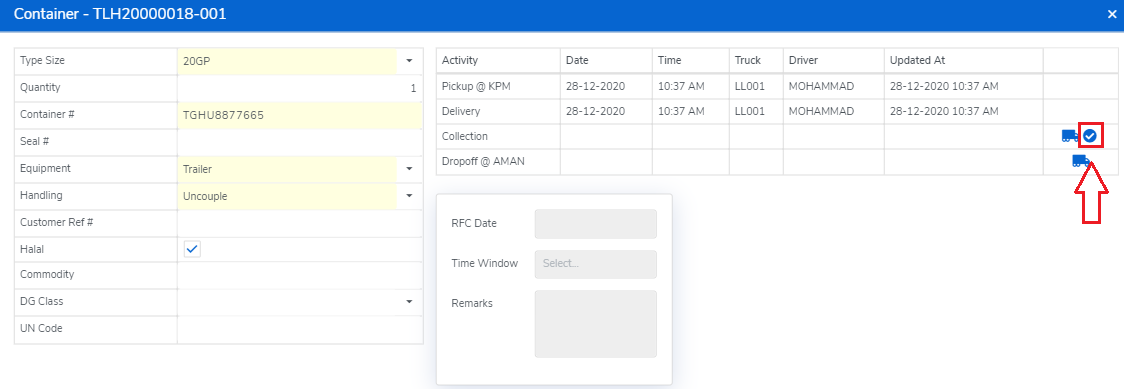
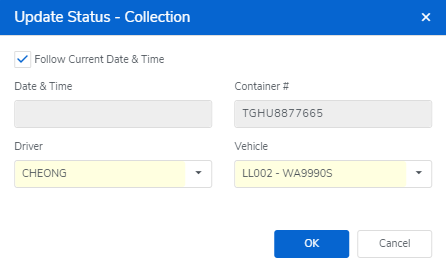
You should select the assigned Driver & Vehicle accordingly (planned Driver & Vehicle would appear if already done so earlier) and click "OK" for Update (default is follow current Date & Time).
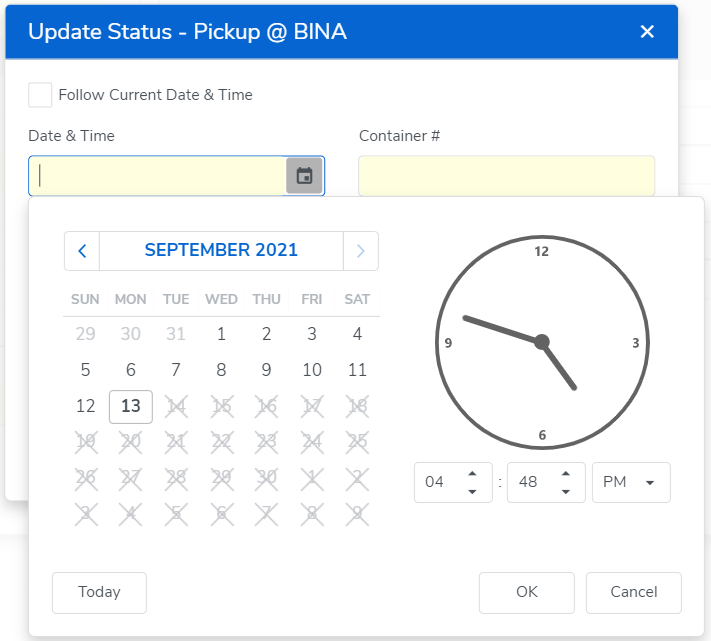
To update the actual activity date and time instead of following system time, Haulier would have to unclick the "Follow Current Date & Time" and input the actual performed Date & Time.
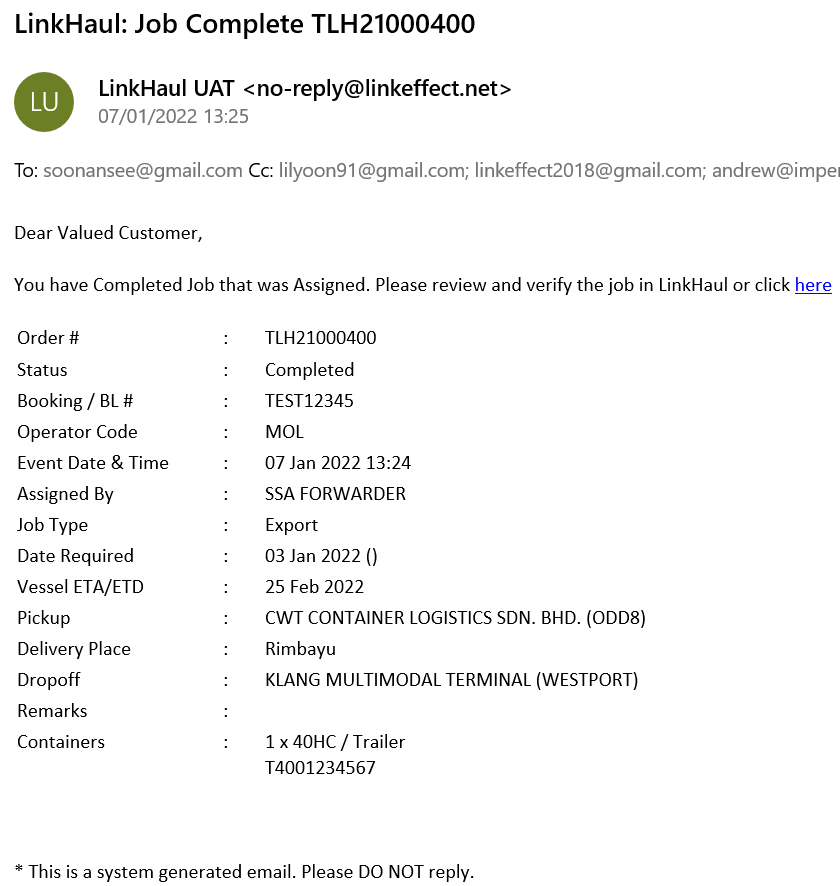
Lister will be notified on the status update and email notification would be sent to both parties once the job completed.
Comments
0 comments
Please sign in to leave a comment.