
Haulier is able to plan the container activity before hand by assigning the driver to the selected container. Choose the specific container you would like to assign a driver to and click 'Edit'
Click on the Truck icon to do planning.
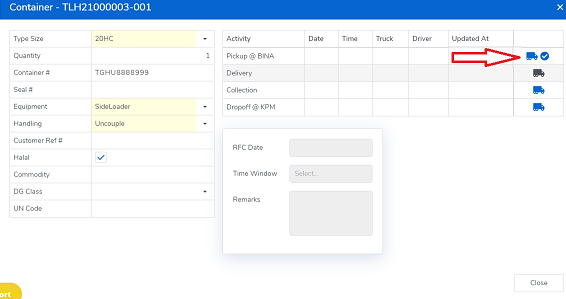
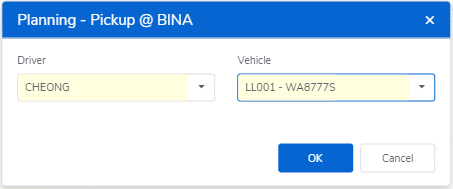
Next you will be prompted to select the specific driver and vehicle which have both been input in your settings.
Click 'Planning - Pickup' Or "Update Status"
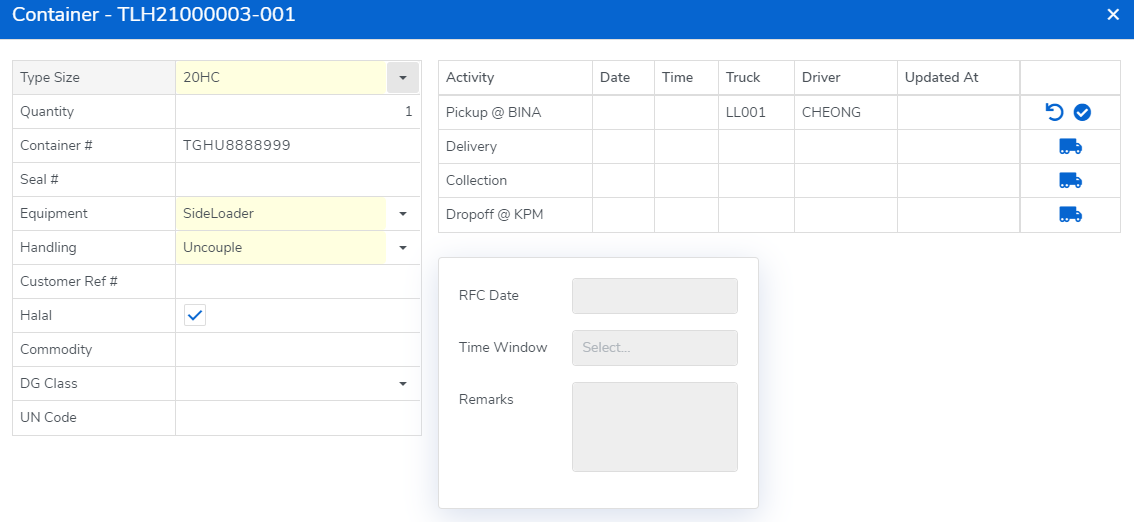
Once you select the driver will be able to start the job on his mobile application.
Select the driver and the vehicle, then click "OK".
Comments
0 comments
Please sign in to leave a comment.