
Your Listing - Draft is the tab to view the jobs which you have drafted but incomplete, and saved it as draft for later submission once detail or document available.
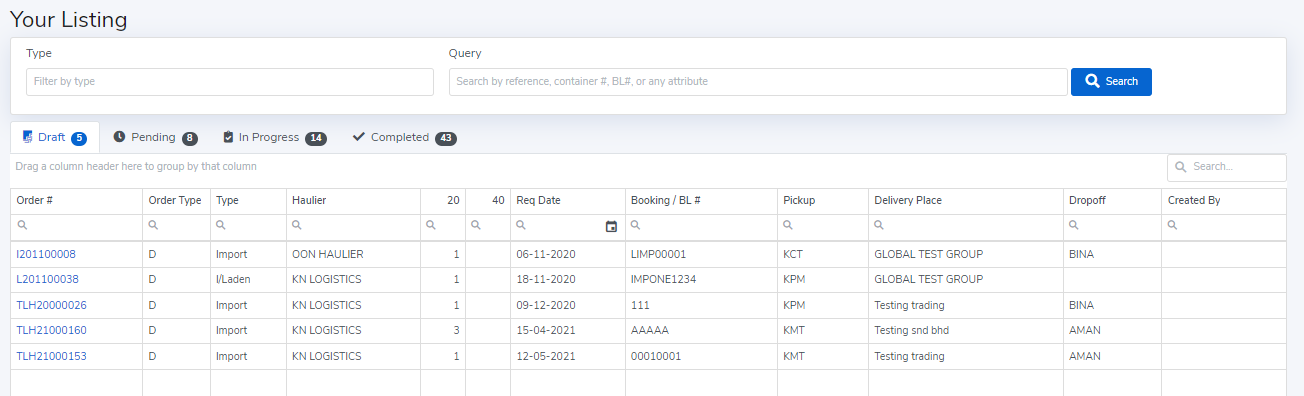
You are able to edit any detail of your drafted job. To view the drafted job, simply click the job that you would like to review. You may then proceed the following:
1. Clone - Copy the entire job details for a separate offer.
2. Cancel Order - Delete the drafted job that no longer needed.
3. Save As Draft - Amend and resave as draft for subsequent submission.
4. Save And Post - Input the necessary and submit the job posting.
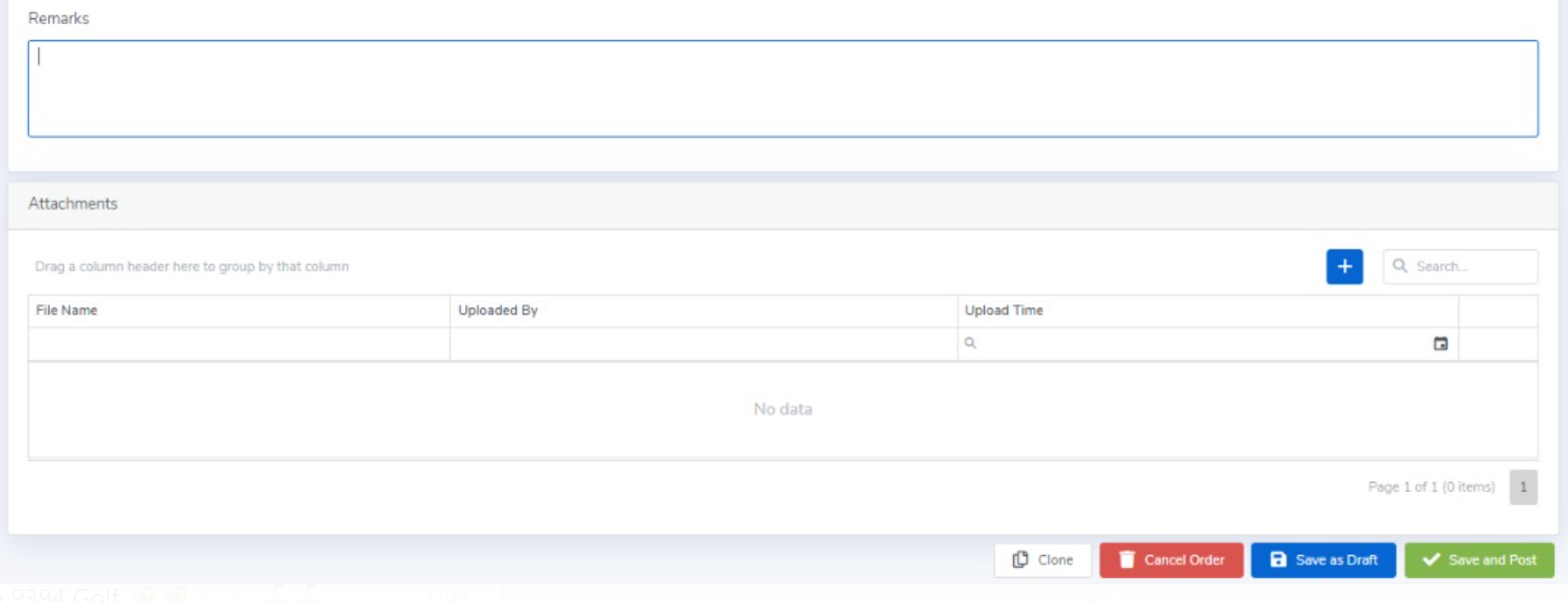
Once clicked "Save And Post", the job will be removed from "Your Listing - Draft" and moved to "Your Listing - Pending" if is posted as a Public Offer job, or moved to "Your Listing - In Progress" if is posted as Direct Settlement job.
Comments
0 comments
Please sign in to leave a comment.