
Customer App is the part of LinkHaul mobile app that was developed for shippers/consignees to facilitate the paperless QR code scanning and to ease them for monitoring their containers movement. Their access would be subjected to their respective Lister's approval.
Once registered and approved, shipper/consignee may login and access your containers movement in any way and at your fingertips.
Login Page
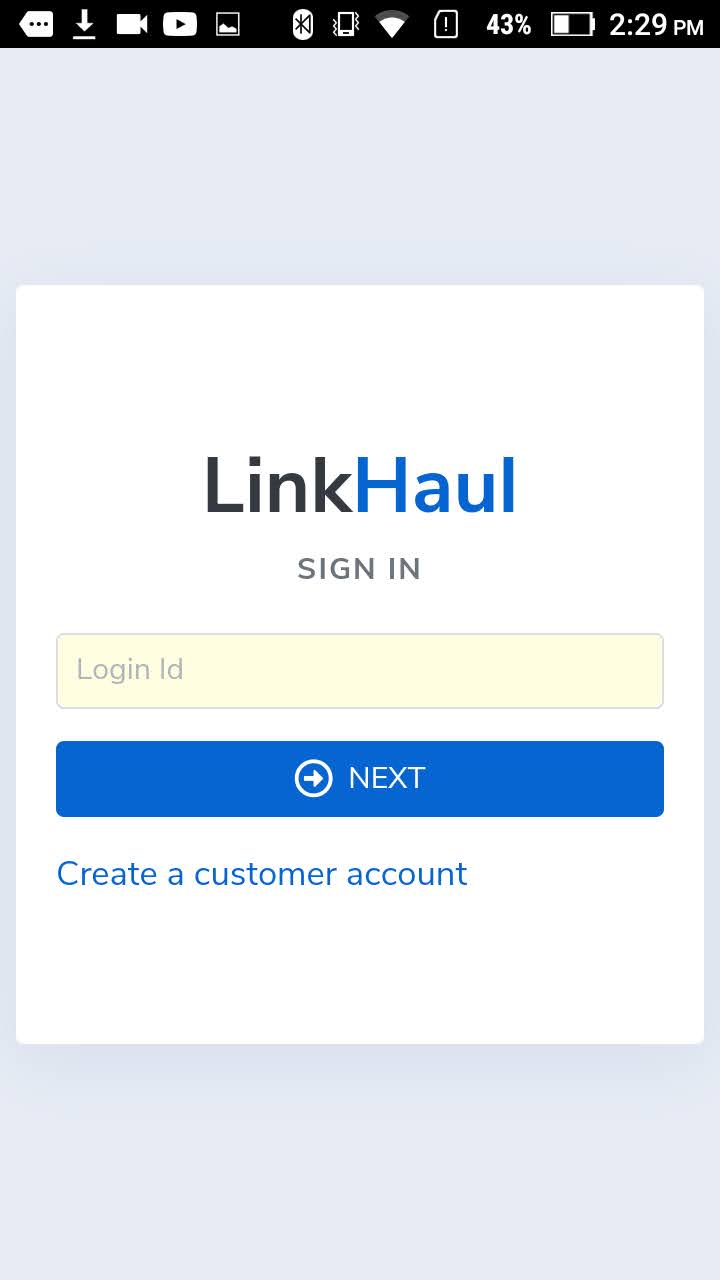
- Enter the Login ID (your registered email address) and click NEXT. An access code will be emailed to you for login.
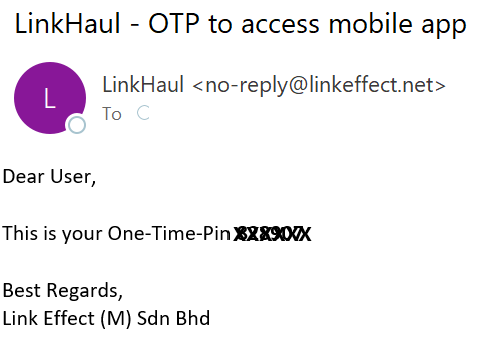
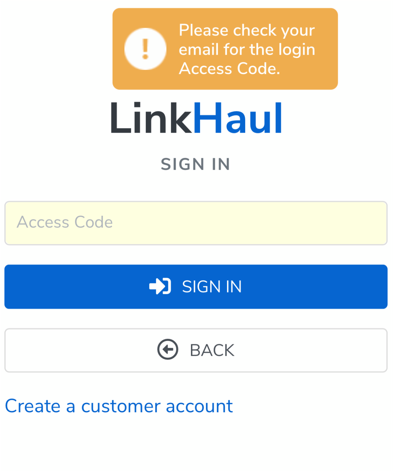
2. Check your email for the Access Code (OTP), then enter the OTP as Access Code in the App and click SIGN IN.
App Overview
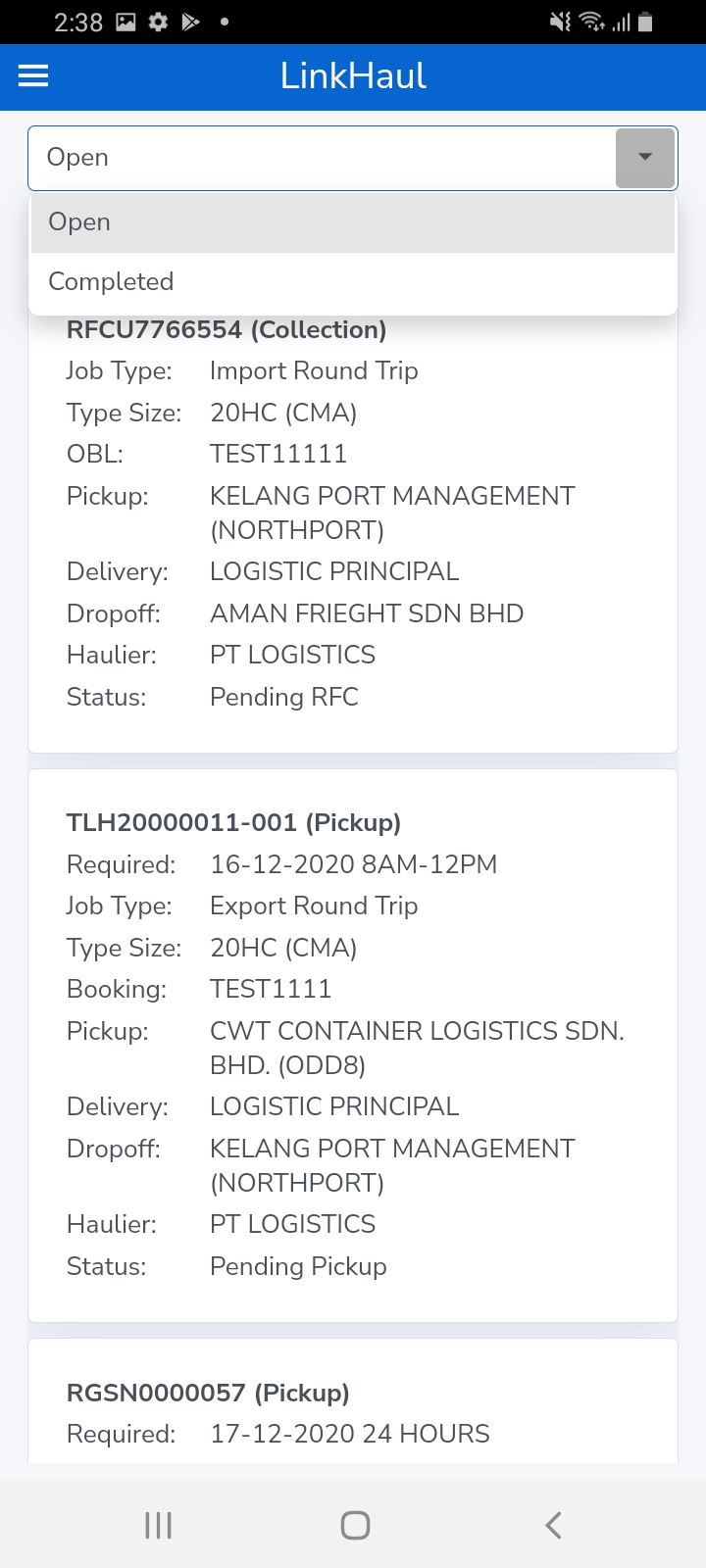
Once signed in, you will be able to see the overview of the containers that access granted by your Lister.
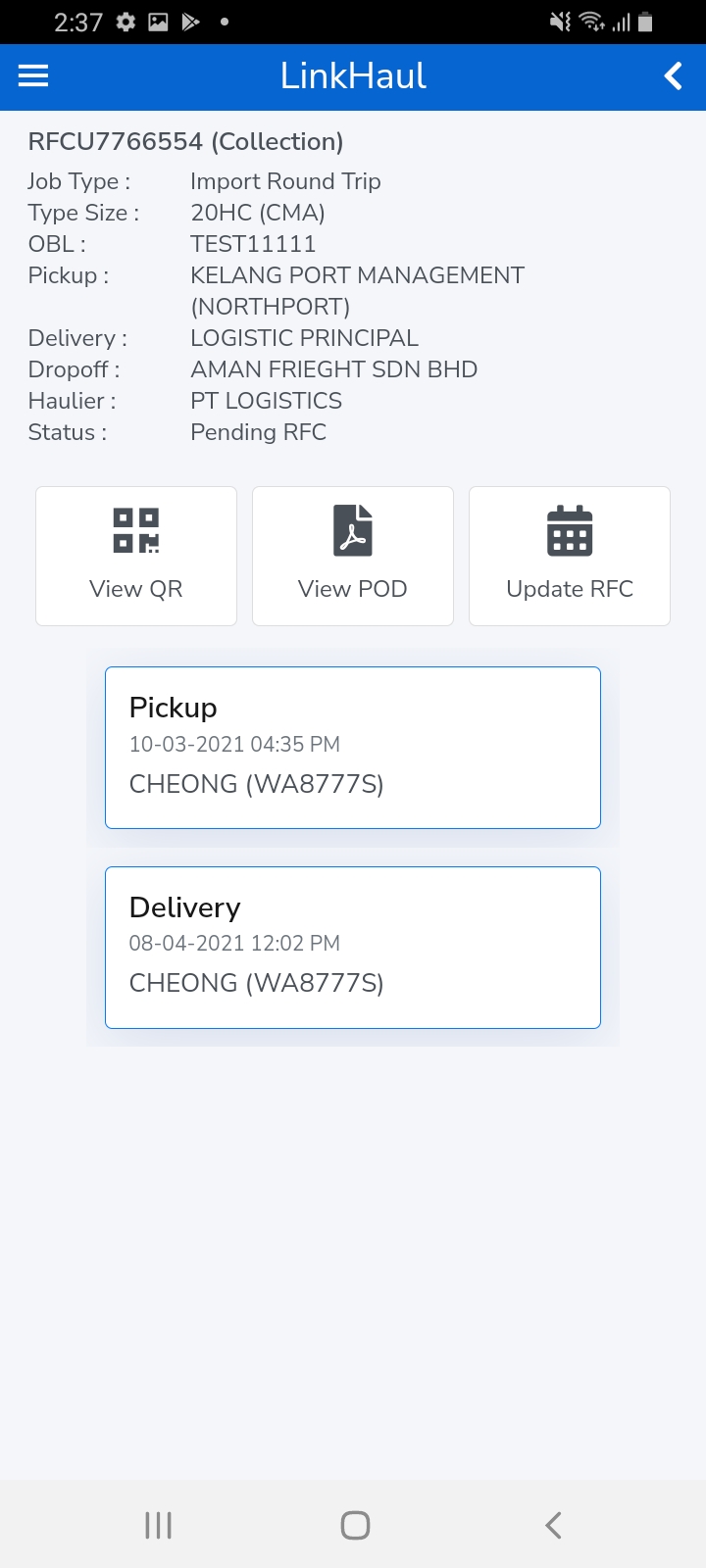
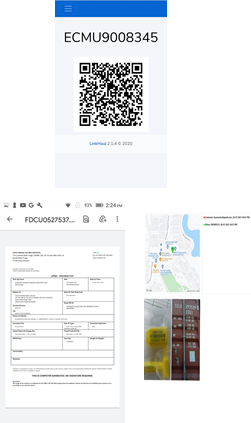
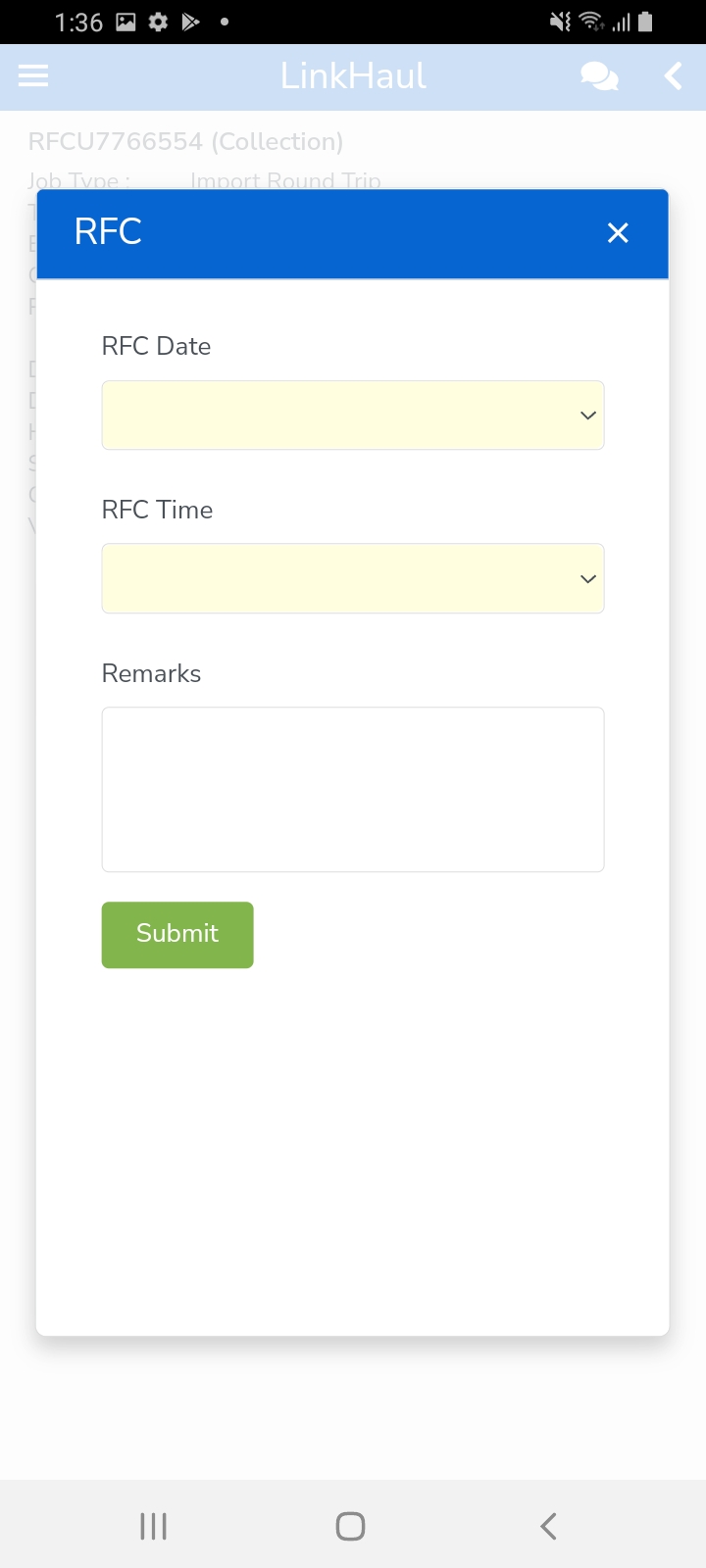
The containers are displayed in the layout for you to view the movement status, to show QR code for the driver to scan & update the delivery, POD (Proof of Delivery) if the container has been delivered, and update RFC (Request For Collection)
The "Open" tab is where the haulage services of the containers are still yet to be completed and the "Completed" tab is where the full return haulage services of the containers have been done for your easy reference.
You may either scroll down to click on the container that you are looking for or "Search" by any info/word that was in the job listing summary.
Below are the summary information related to the particular container that is available for your easy reference.
- Container number and the current movement status
- Required date
- Job Type
- Type Size
- Booking/OBL
- Pickup
- Delivery
- Dropoff
- Haulier
- Truck
- Driver
- Status
- QR Code (if pending delivery/collection)
- POD (if delivered)
- Update RFC (if pending RFC)
- Container movement status with the Performed date/time, Driver & Vehicle for each movement activity.
Note:
1. You may login on your web browser once you have verified your account. However you will not be able to view any job details until your account has been approved by the "Lister" that you have selected during the account creation process.
2. It is not necessary to sign out if you're not sharing your PC or mobile (new OTP is only needed if the user signed out).
Comments
0 comments
Please sign in to leave a comment.