
Forwarder App is the part of LinkHaul mobile app that was developed for Listers to have ease of access for monitoring their posted jobs in any way and at their fingertips.
Login Page
The login and password are the same as per their access to LinkHaul platform.
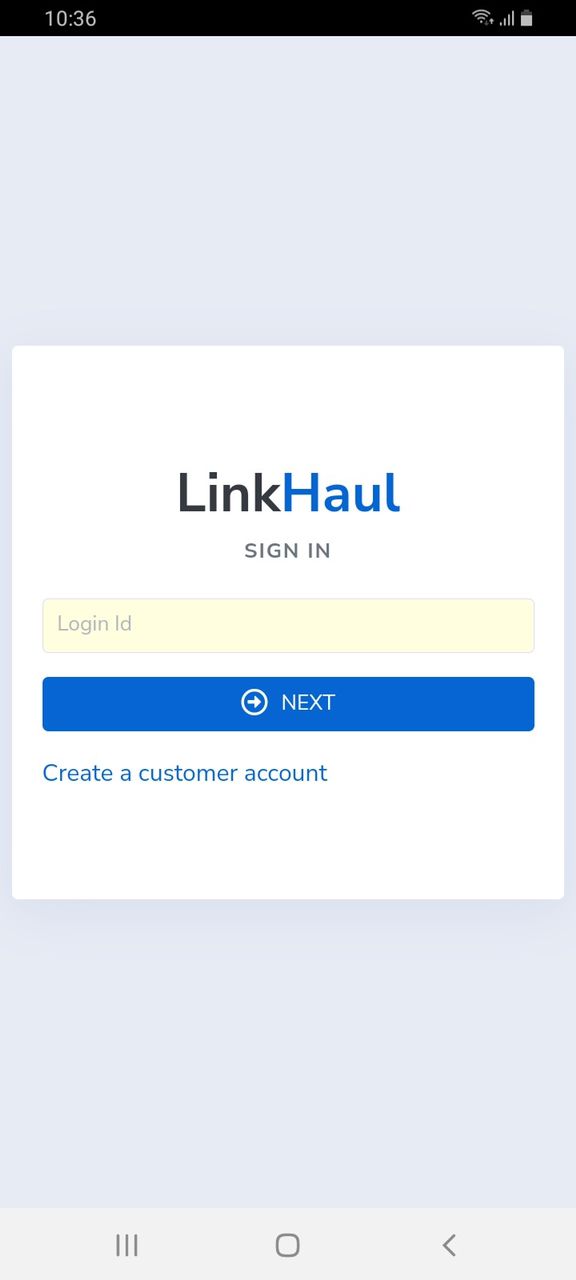
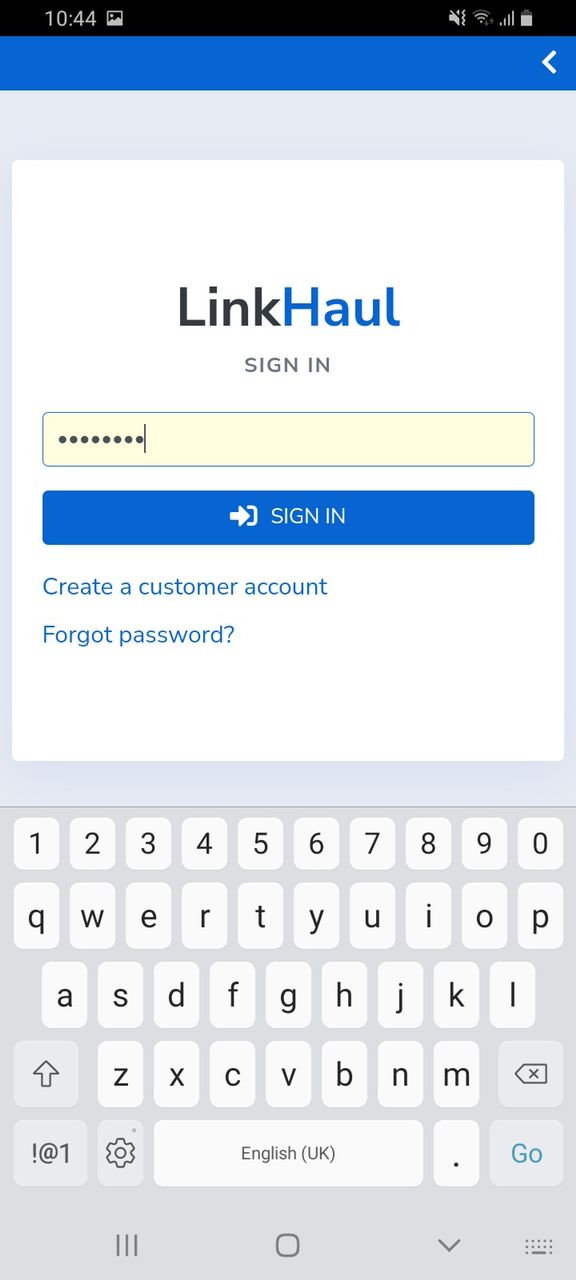
- Enter the Login ID (same as per your registered email address) and tap NEXT.
- Then enter your password (same as per your login to LinkHaul platform) and tap SIGN IN.
- You may tap the Forgot password if you would like to reset the password and a temp password would be sent to your email accordingly.
App Overview - Home
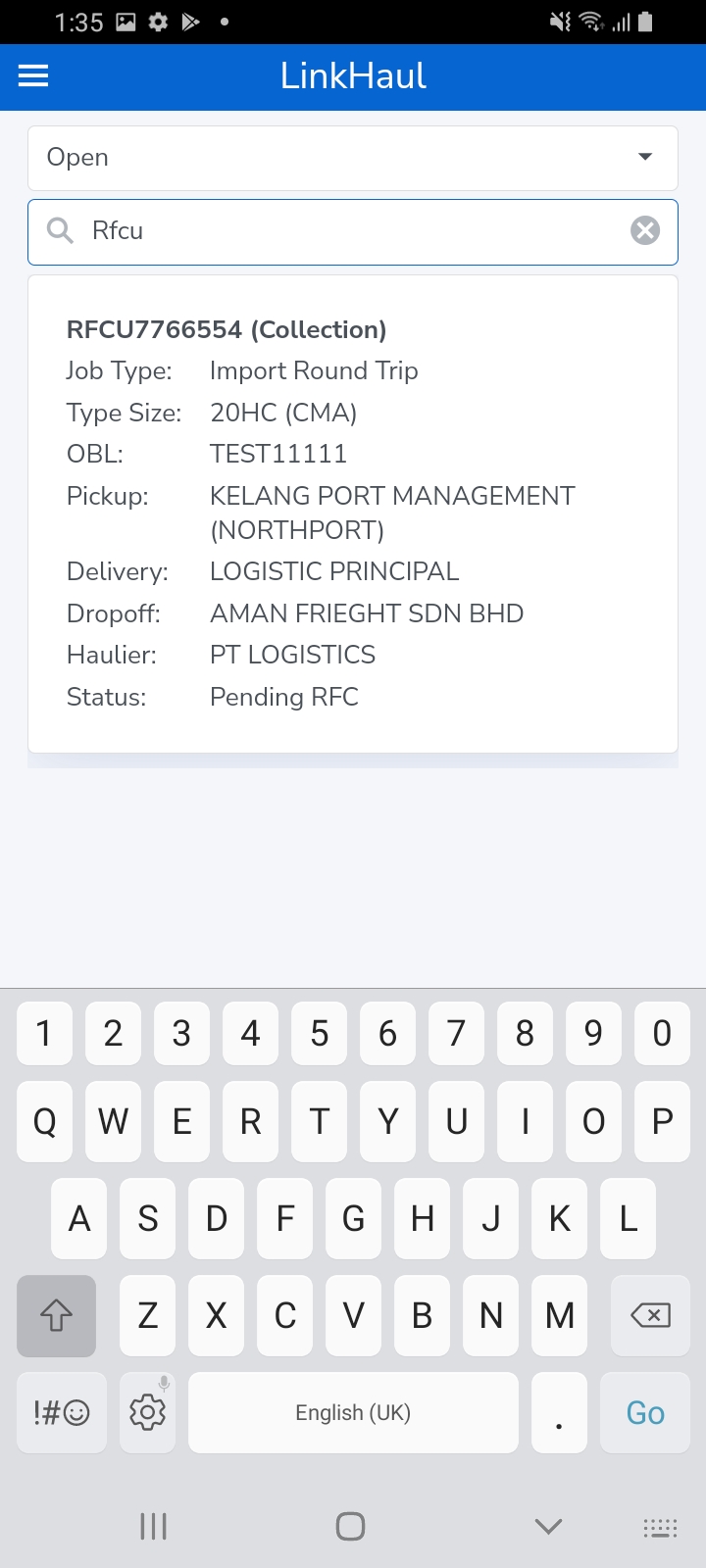
Once signed in, you will be able to see the containers that were posted by you as in "Your Listing".
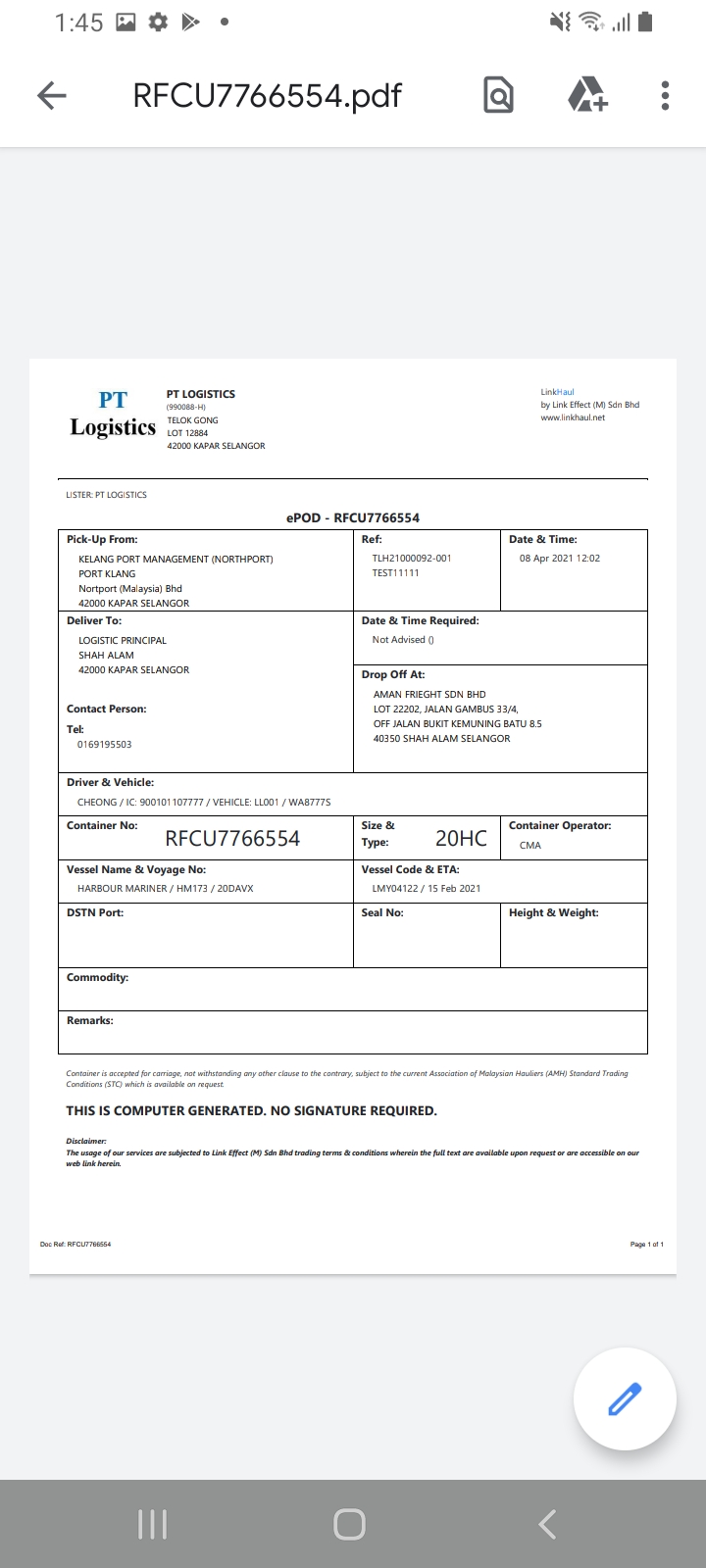
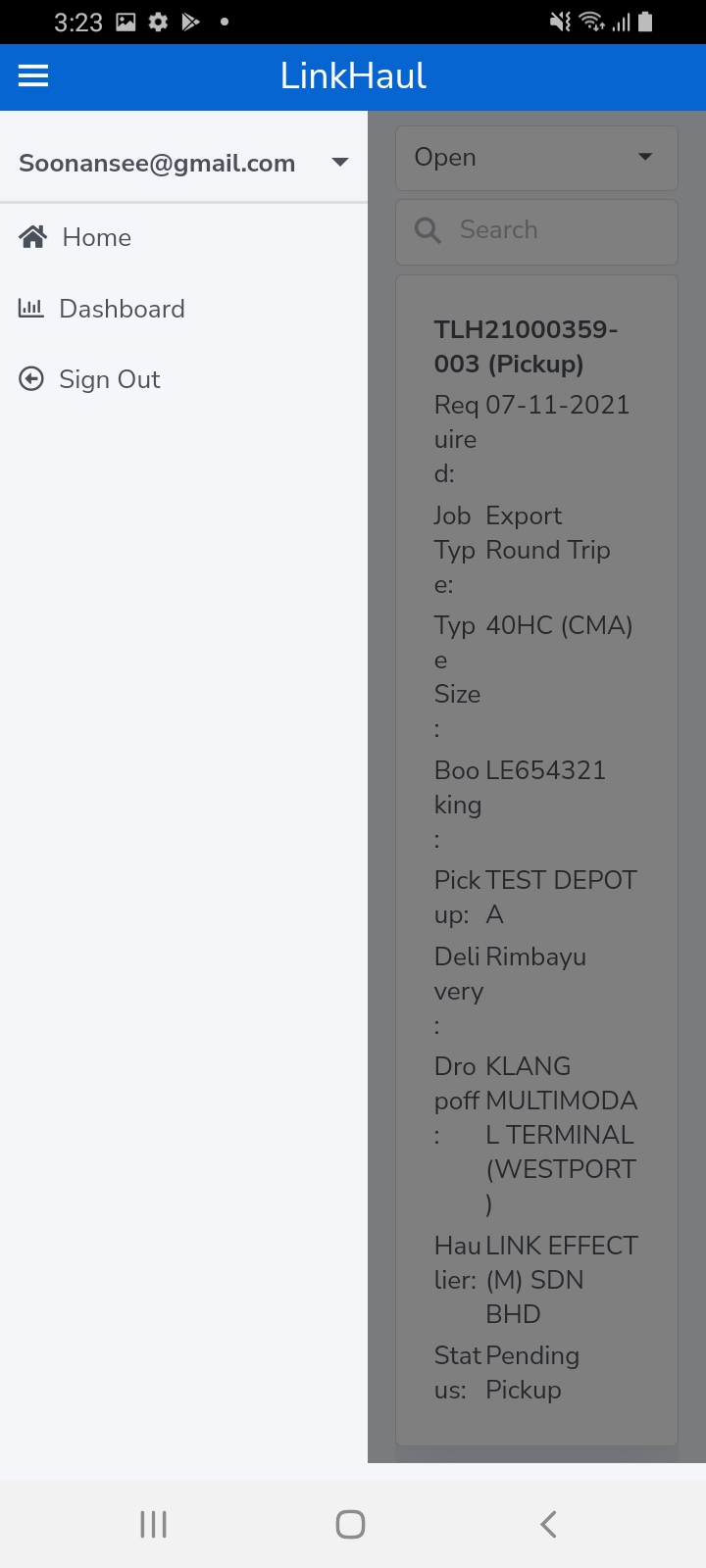
The list of containers will be displayed in the layout for you to view the job info, respective container movement status, update RFC, and view the POD (Proof of Delivery) if the container has been delivered.
It is also further broken down into various tabs to facilitate the users for easy reference.
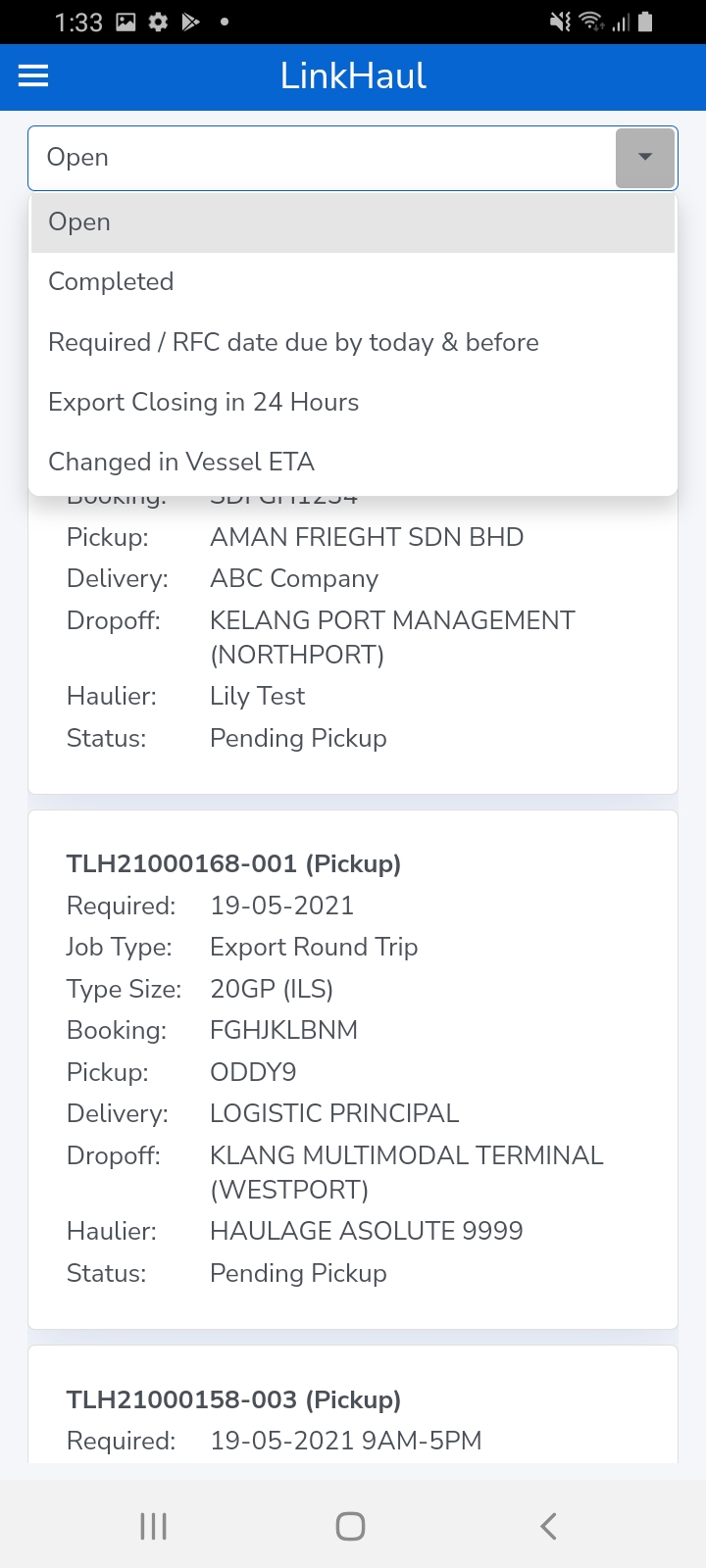
1. Open tab is where all your jobs that have yet to be completed (inclusive of those assigned but yet to be started and those still in progress).
2. Completed tab is where all your jobs that had been fully completed (full return haulage services of the containers have been done) for your easy reference.
3. Required / RFC date due by today & before is the summary list of jobs that are due for delivery or collection. This is to ease the Lister to locate and follow up the necessary on those jobs that are due or overdue.
4. Export Closing in 24 Hours is the summary list of incompleted export jobs where the closing is less than 24 hours. This will ease the Lister to follow up the necessary and ensure timely dropoff.
5. Change in Vessel ETA is the summary list of incompleted jobs that the vessel ETA schedule has changed. This is to ease the Lister to follow up the necessary on those jobs that are affected by the change of vessel ETA.
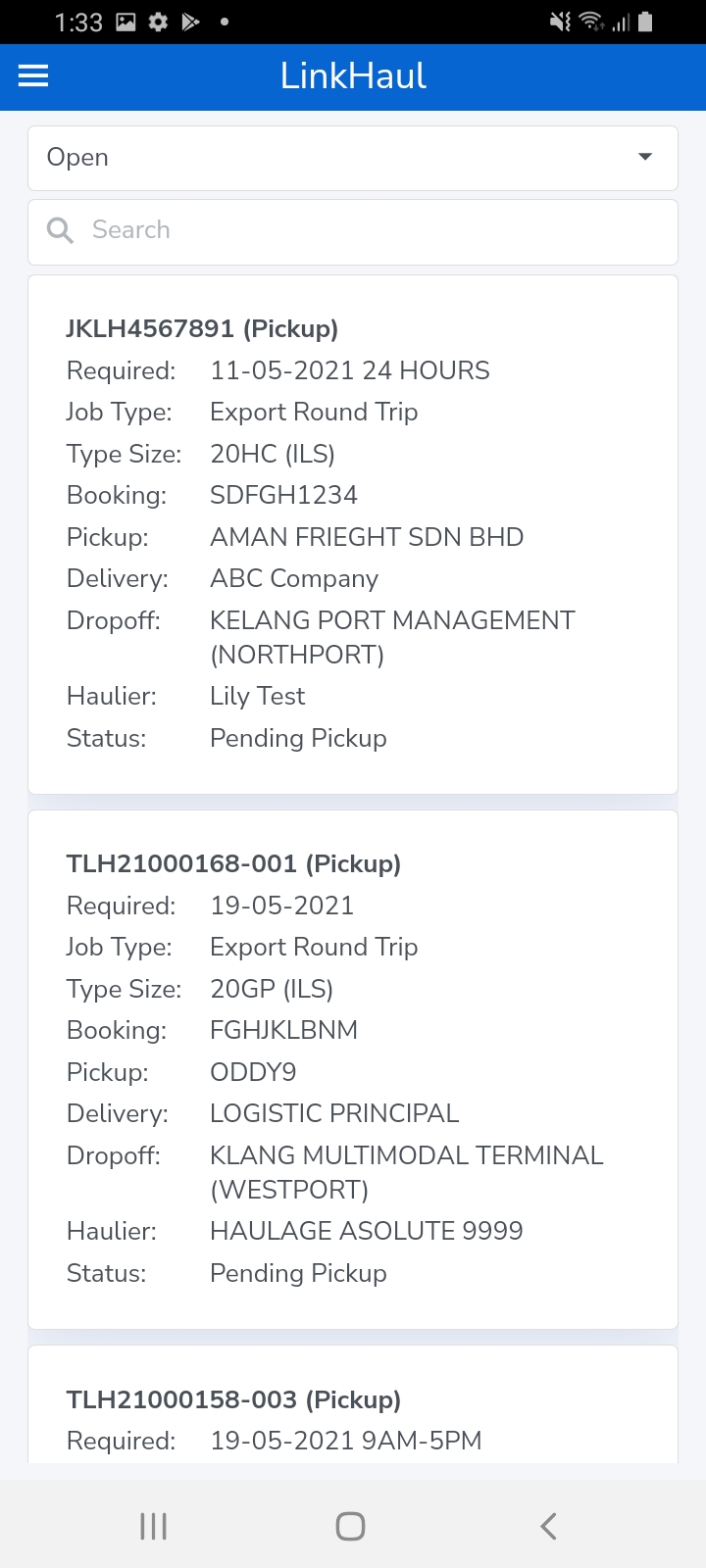
Each tab also has the "Search" function. You may either scroll down to tap on the respective container that you are looking for or "Search" by any info/word that was in the job listing summary.
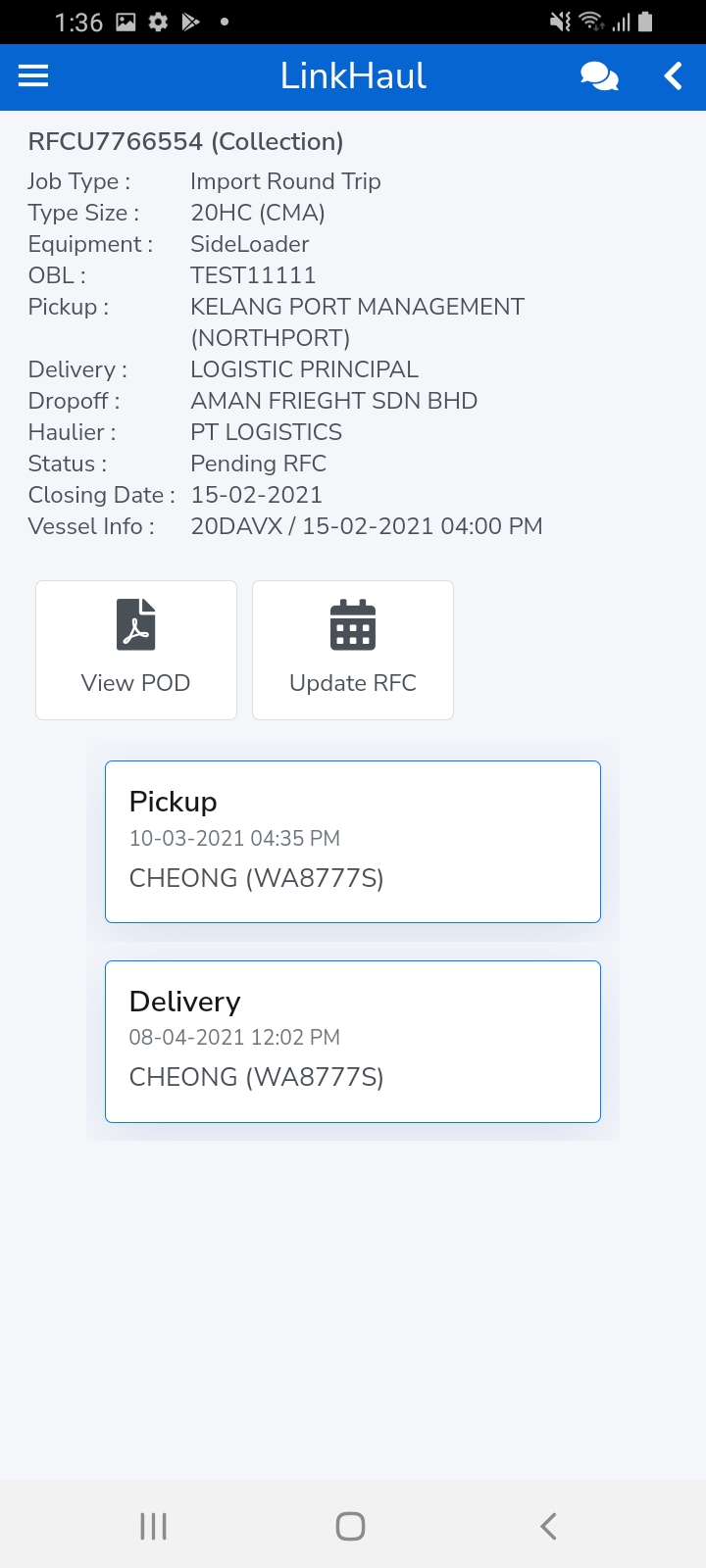
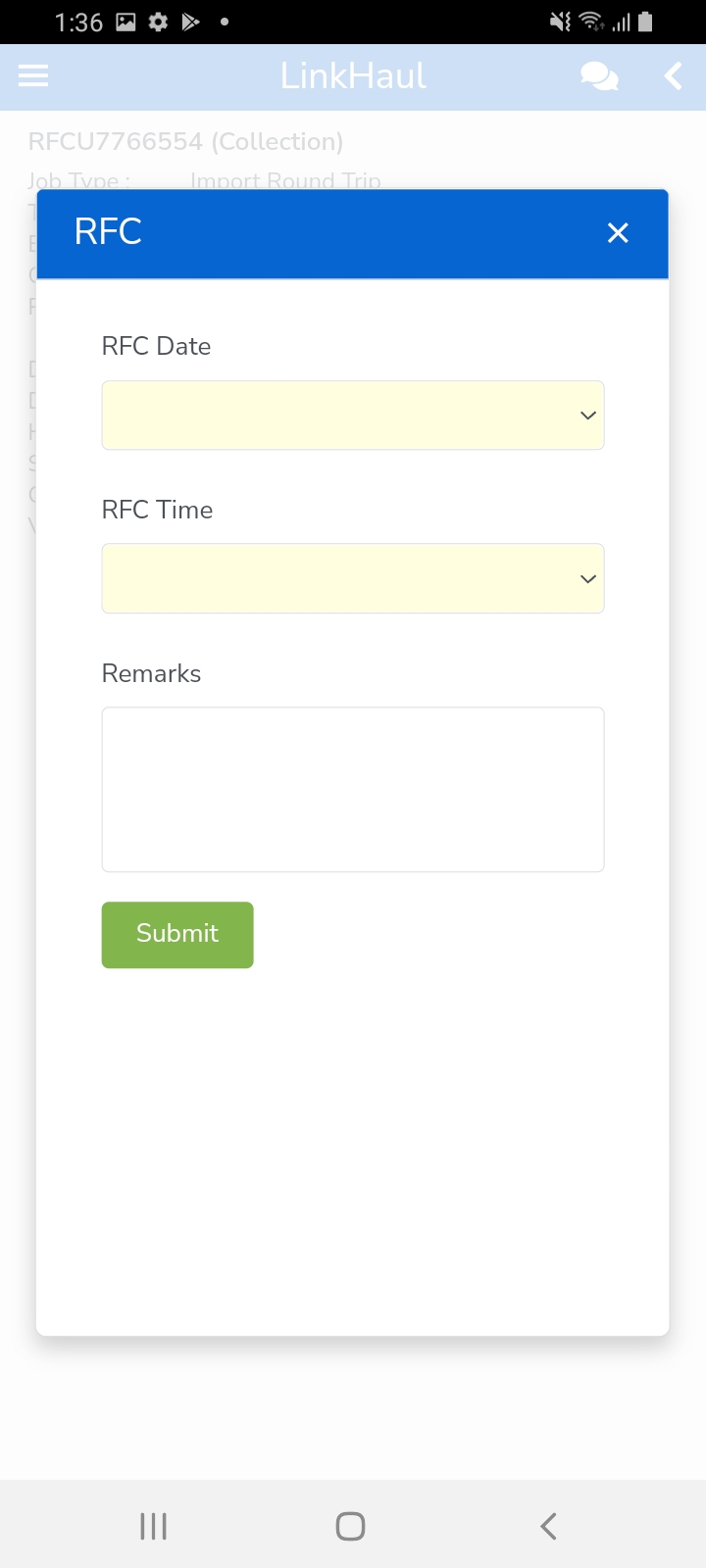
Once tapped of the container that you are looking for, it would further breakdown with details, activity summary, view POD (if delivered), and Update RFC (if pending for RFC).
App Overview - Dashboard
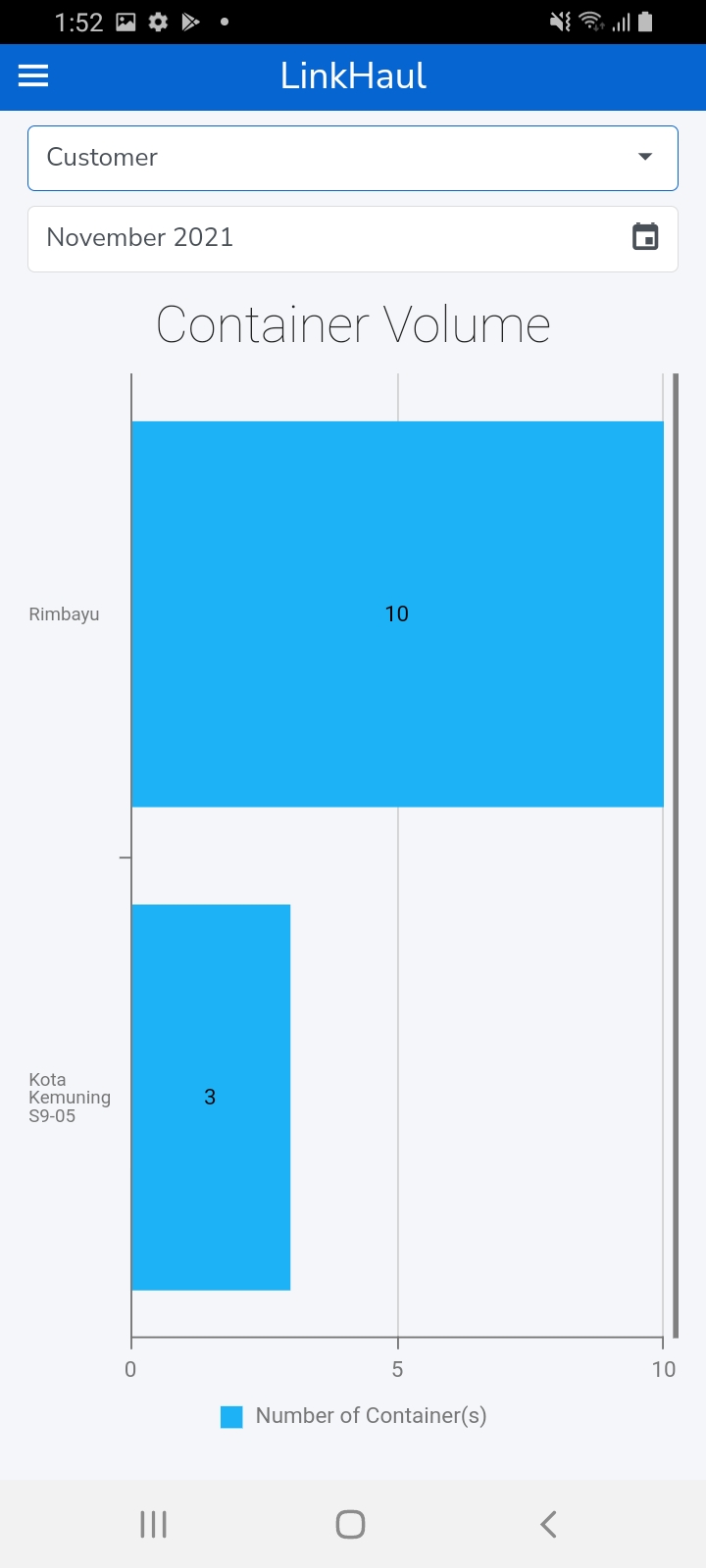
Forwarder App also provides the summary dashboard on Haulier Performance and Customer volume by month for Lister's easy reference.
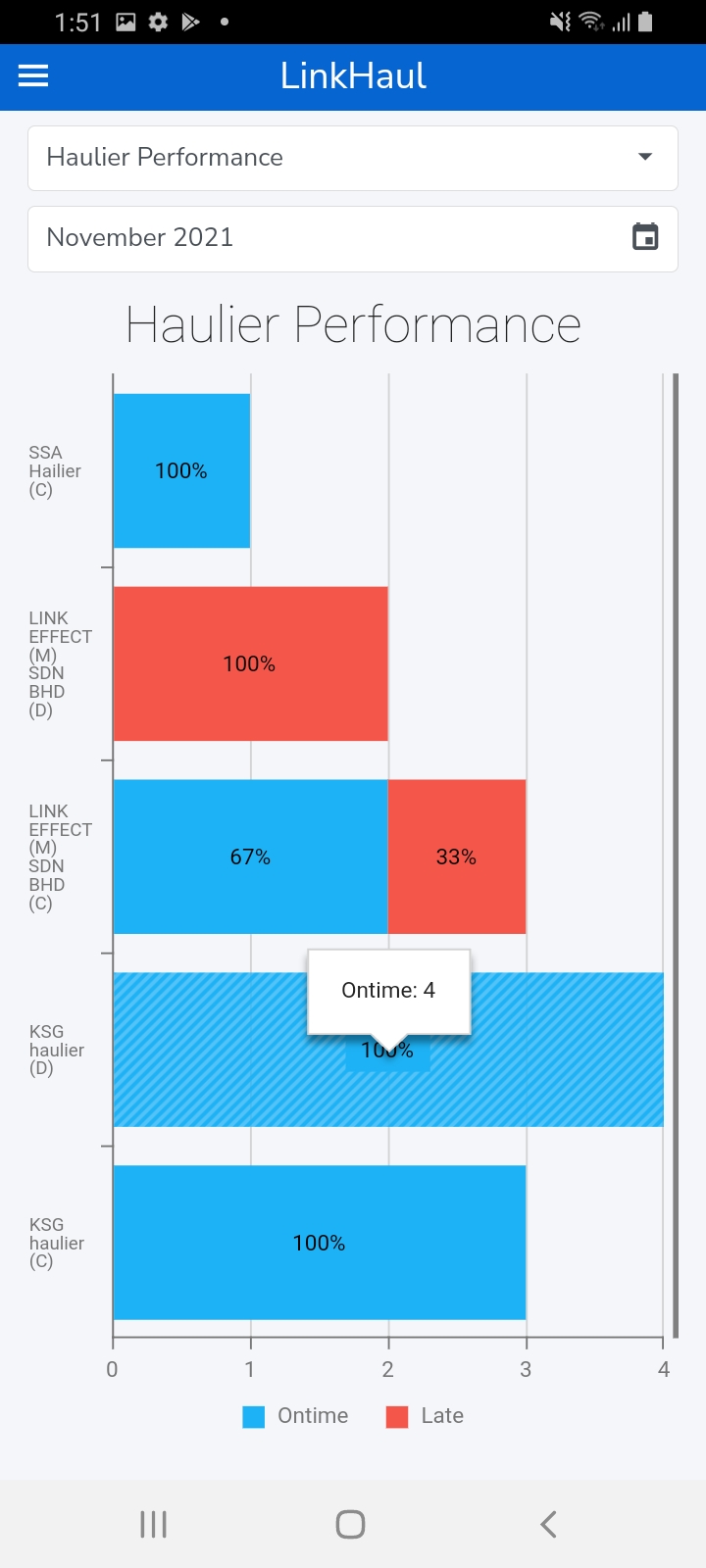
1. Haulier Performance tab shows the chart of your Haulier performance for the respective month. It reflects the actual Delivery (by volume & % on-time or late) and actual Collection (by volume & % on-time or late) performances of the month. You may select and refer to the prior month's performance when needed.
2. Customer tab showing the chart of jobs assigned by Customers (Shippers/Consignees) of the respective month. It reflects the actual volume of containers assigned by customers of the month and you may refer to their prior month's volume when needed.
Comments
0 comments
Please sign in to leave a comment.