
Shippers/Consignees may create a customer account in LinkHaul so that could access the Customer App or Web access for easy containers movement monitoring.
STEP 1 – Customer Registration
Customers (shippers/consignees) may register themselves directly by downloading the "LinkHaul" mobile app (available in App Store for iPhone and Google Play for Android phones).
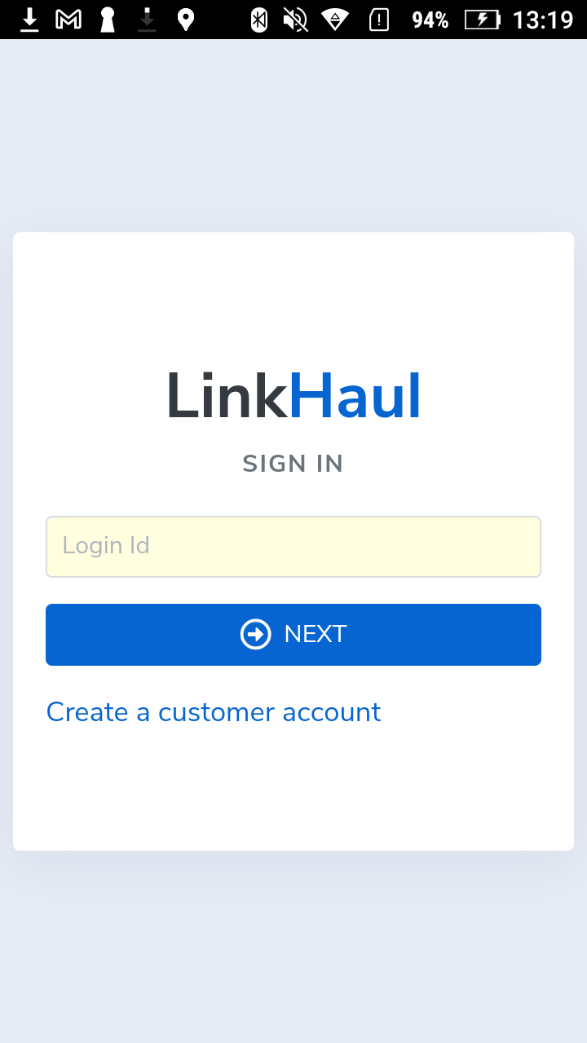
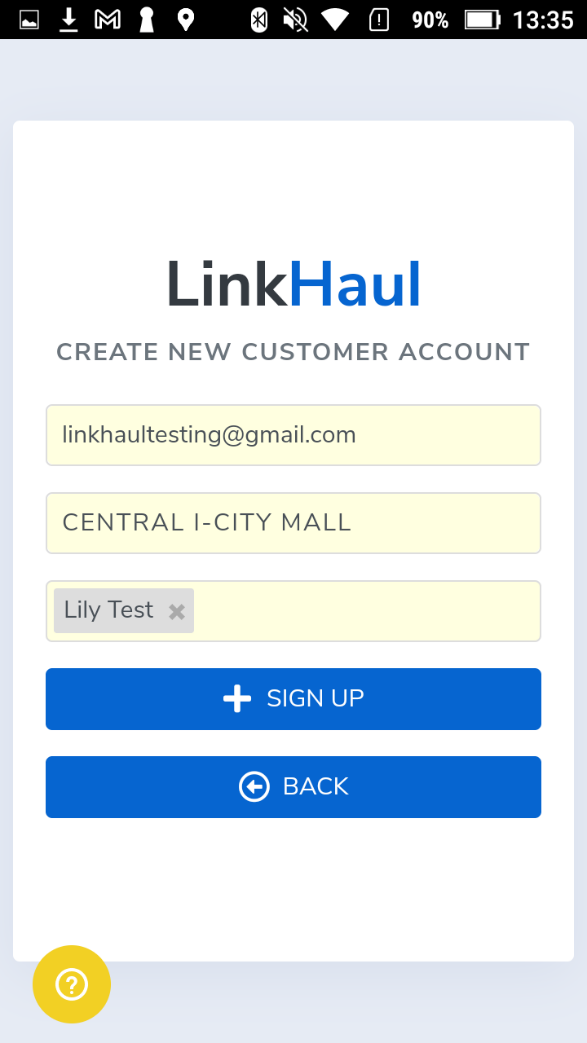
After downloading the LinkHaul App, launch the app and click "Create a customer account", and fill in the following:
- Shipper/Consignee email
- Company Name (Shipper/Consignee)
- Forwarder/ Haulier
Example
- linkhaultesting@gmail.com
- Central I city mall
- Lily test
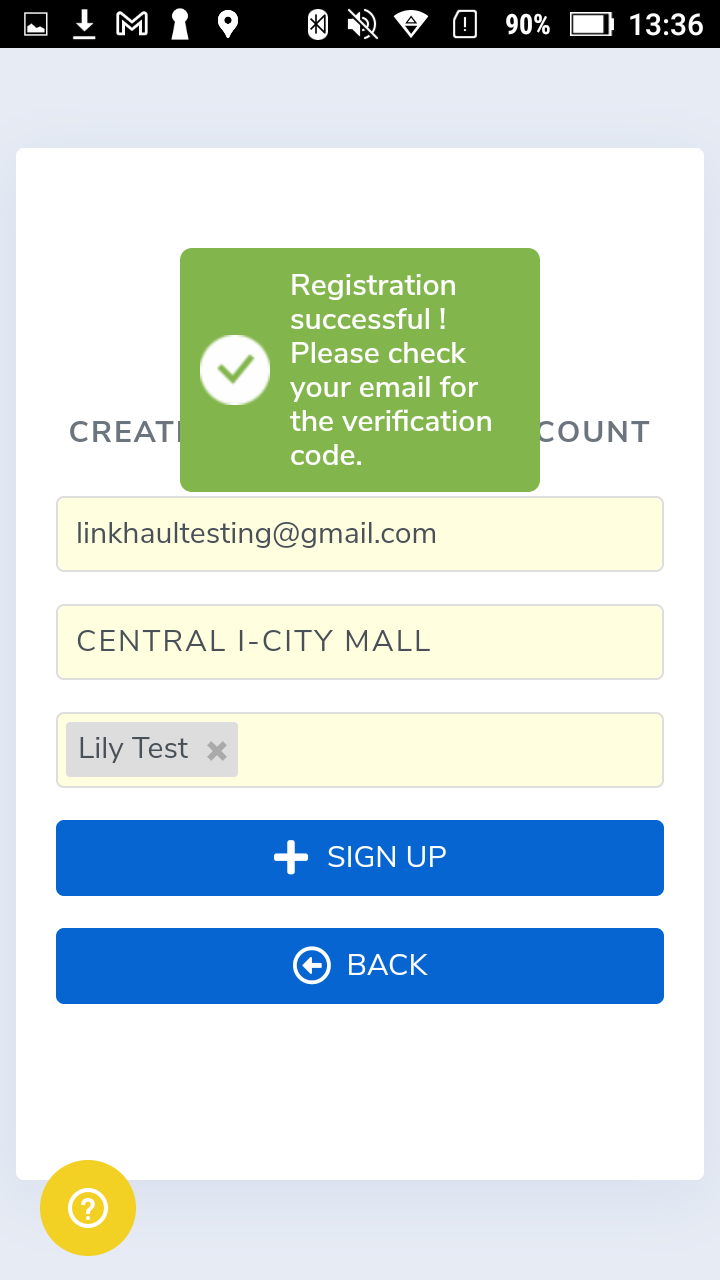
Once submitted, the Customer will be received an email for email verification.
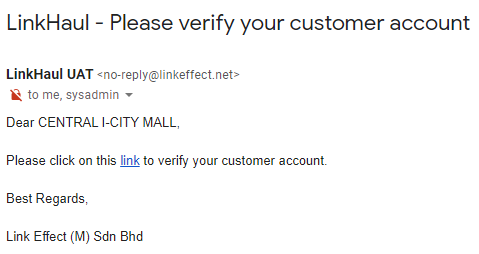
Click on the "link" to verify .
STEP 2 – Lister Approval
Once a new customer account is created, Lister will receive an email notification to verify and approve the access of the customer account.
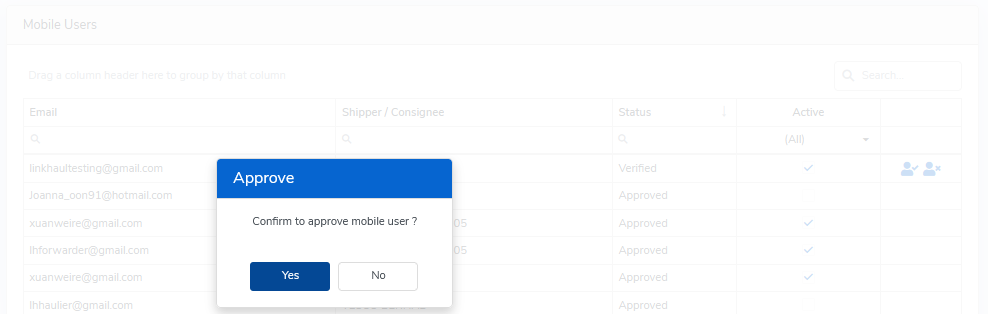
Lister then goes to LinkHaul platform - Setting - Mobile User to approve or decline their access.

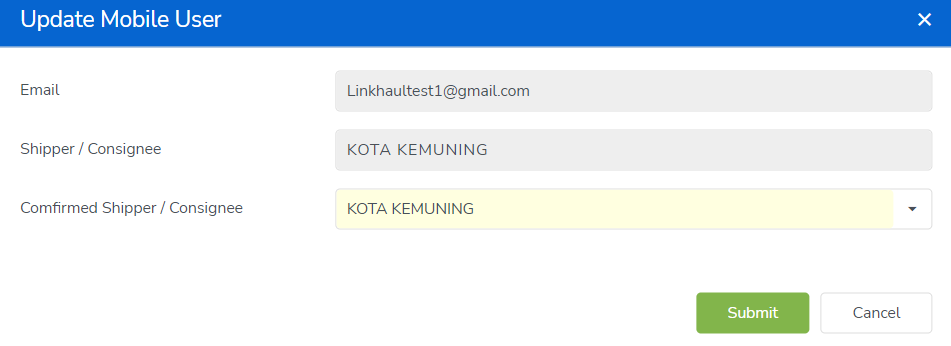
Once clicked "Approve" sign , it will prompt the Lister to confirm the Shipper/Consignee (Lister may select the right shipper/consignee from the dropdown listing if needed) and "Submit".
Step 3 – Customer can additional Lister/Company thru the app
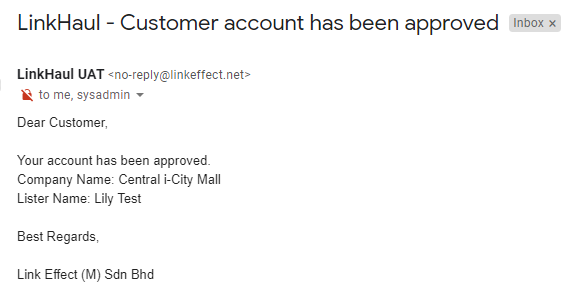
Once approved by Lister, the Customer will receive the email notification and would be able to login to the LinkHaul App and access their container movements.
They may also add other Lister into their account. Any newly added Lister company will require the same verification/approval process and per above.
i.e. Login App --- My Listers ---Add---Submit
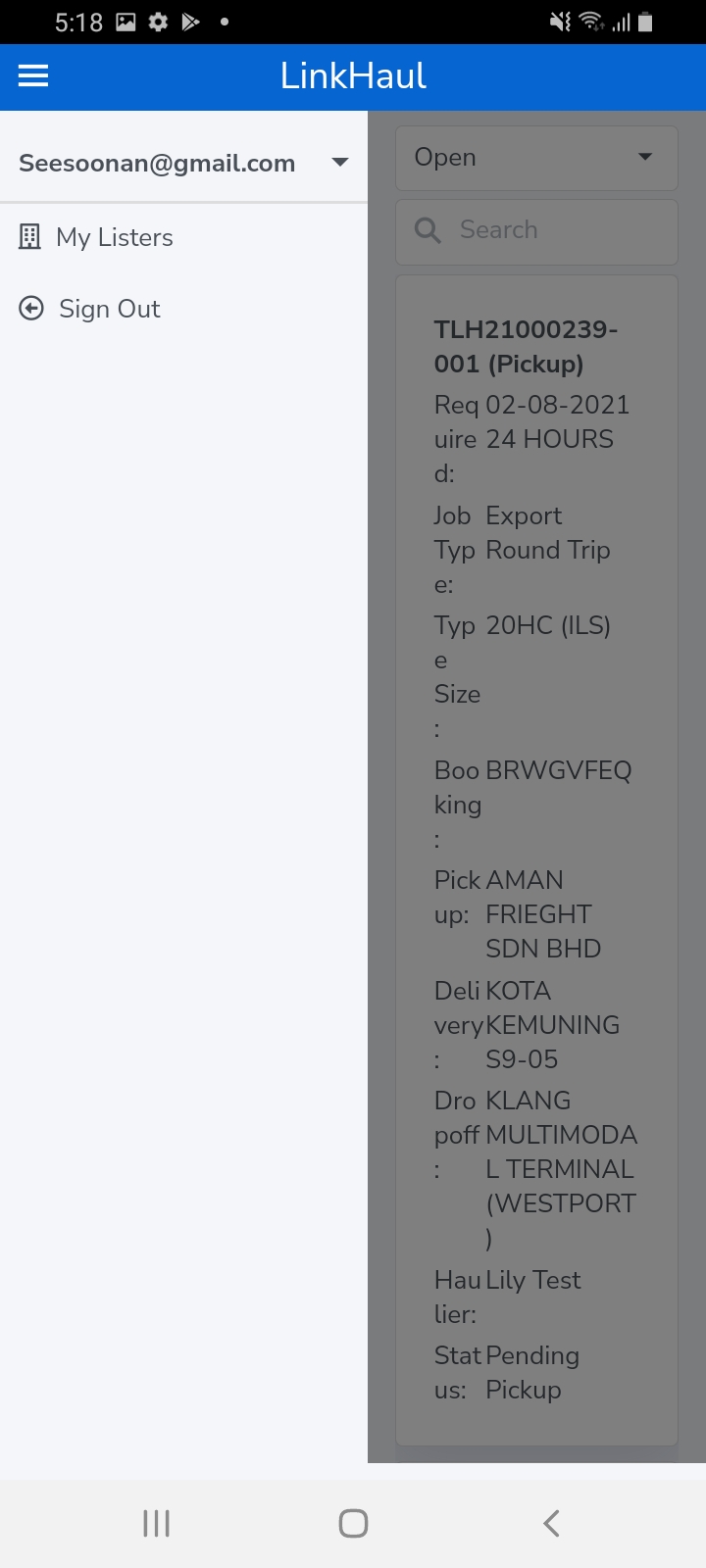
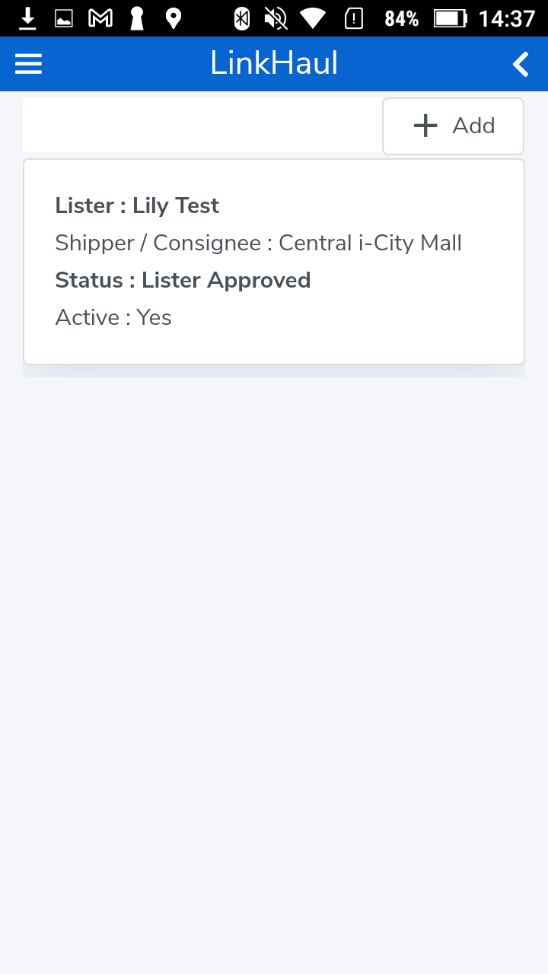
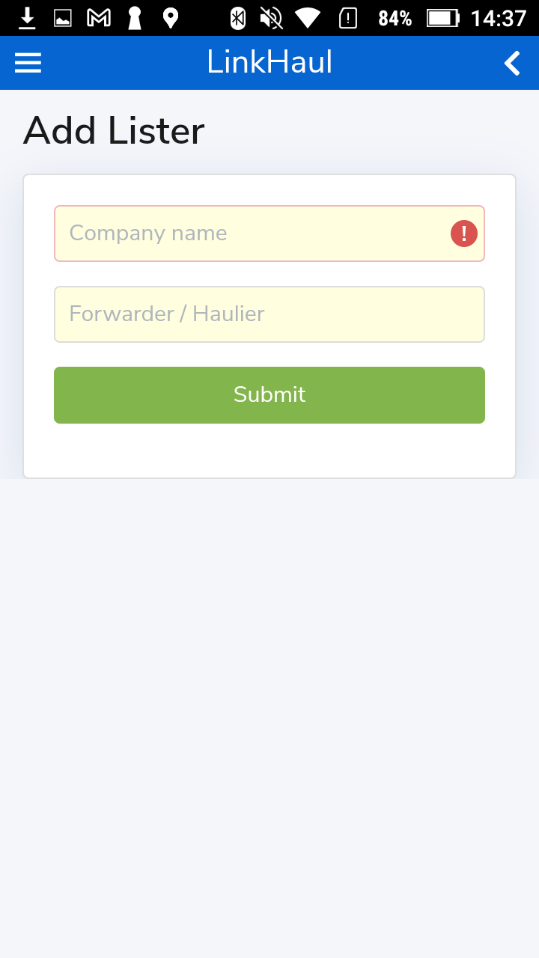
Should there is a need for the same user ID to access the different Shippers/Consignees, they may use the Add Lister function and input the different Shipper/Consignee company name then select the respective Forwarder/Haulier and submit the request accordingly. However, their access would still be subjected to the approval of the respective Lister.
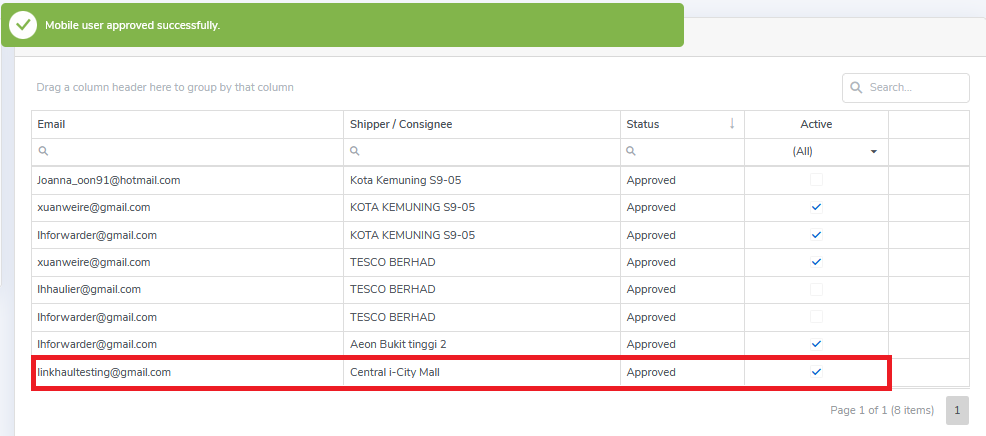
For example once approved, your display should look like this: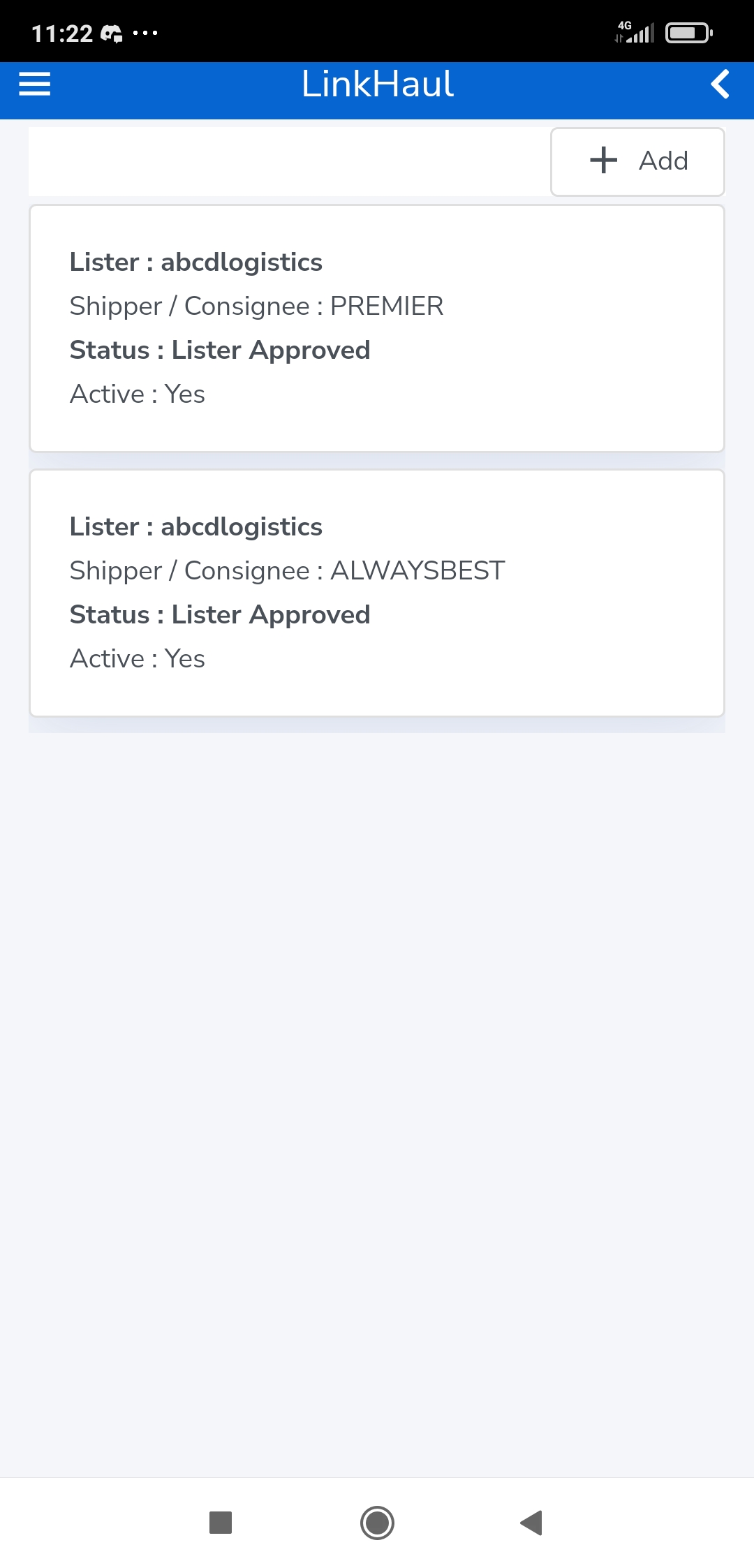
Comments
0 comments
Please sign in to leave a comment.