
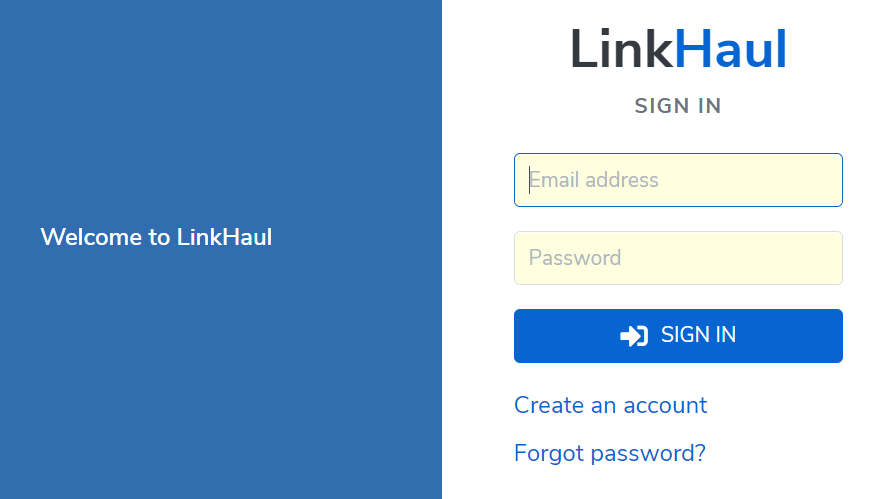
1. To create a new LinkHaul account, you may click on "CREATE ACCOUNT" at our website (https://linkhaul.net)

or click on the "Create an account" at LinkHaul's SIGN IN page (https://system.linkhaul.net/login)
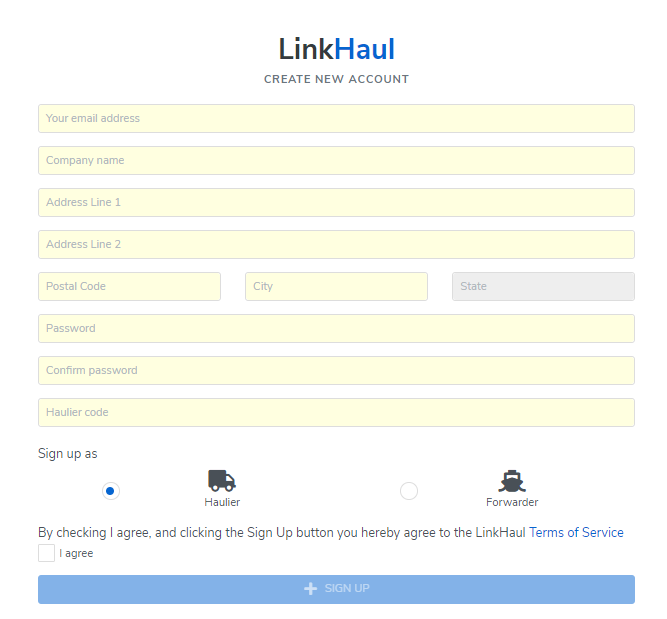
2. On the CREATE NEW ACCOUNT page (https://system.linkhaul.net/register)
- Click Sign up as "Haulier"
- Input Email Address, Company Name, Address, Password & Haulier Code.
- Click "I agree" and go through the LinkHaul Teams of Service (scroll down and click "Agree").
- Then the press "SIGN UP" button.
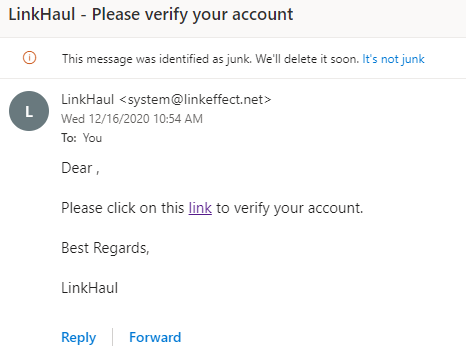
3. Once submitted, you will receive an email for verify your account. Please click on the "link" to verify your account creation is with a valid email.
4. Company verification
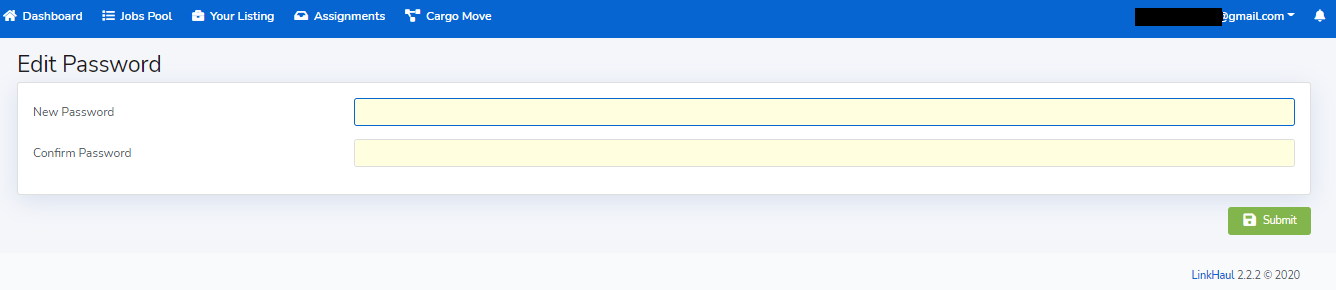
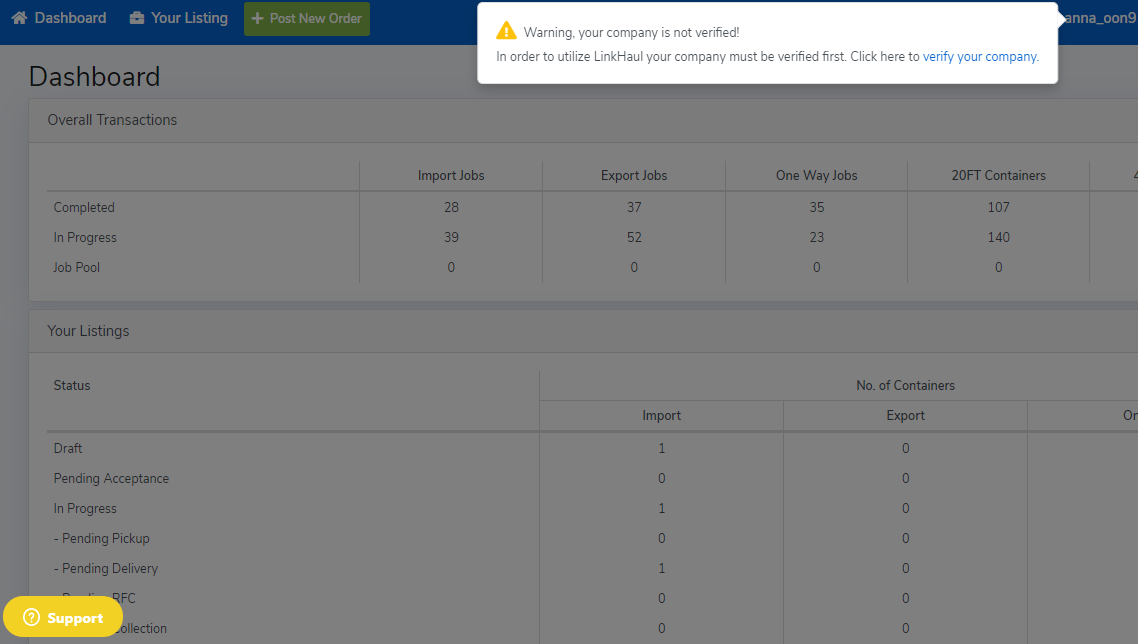
Once LinkHaul account created, you may login your LinkHaul account, but would require to verify your company in order to start utilize LinkHaul platform.
- Edit Password & Confirm Password
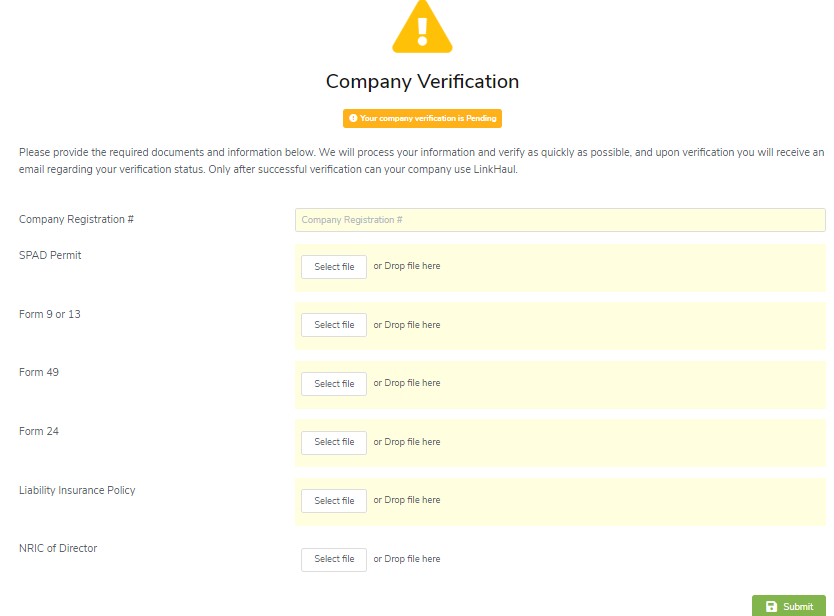
- Please click the highlighted "verify your company", fill in the company registration number and upload the basic company registration documents for the verification process (to ensure is a valid and legally registered company).
Please remember to click "SUBMIT" when you are done.
Once verified, you will be able to access and utilize the relevant potential of the platform.
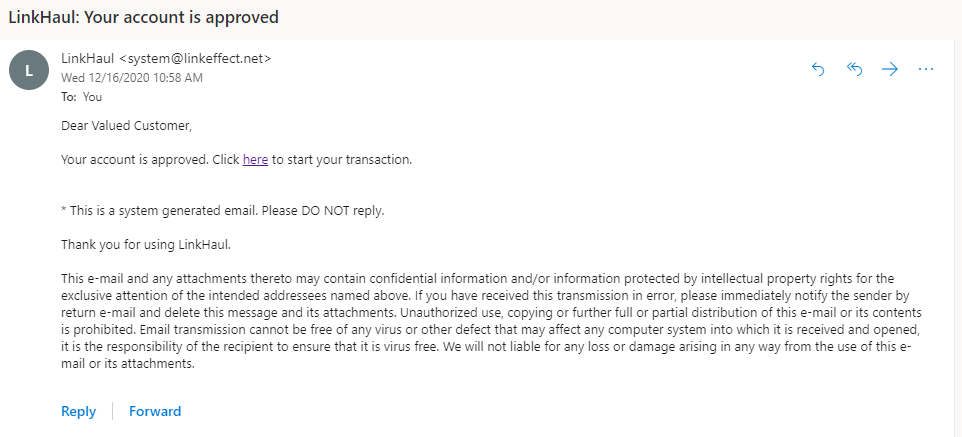
5. You will be received an email notification, once your account has been approved.
Comments
0 comments
Please sign in to leave a comment.